

AnyPS5
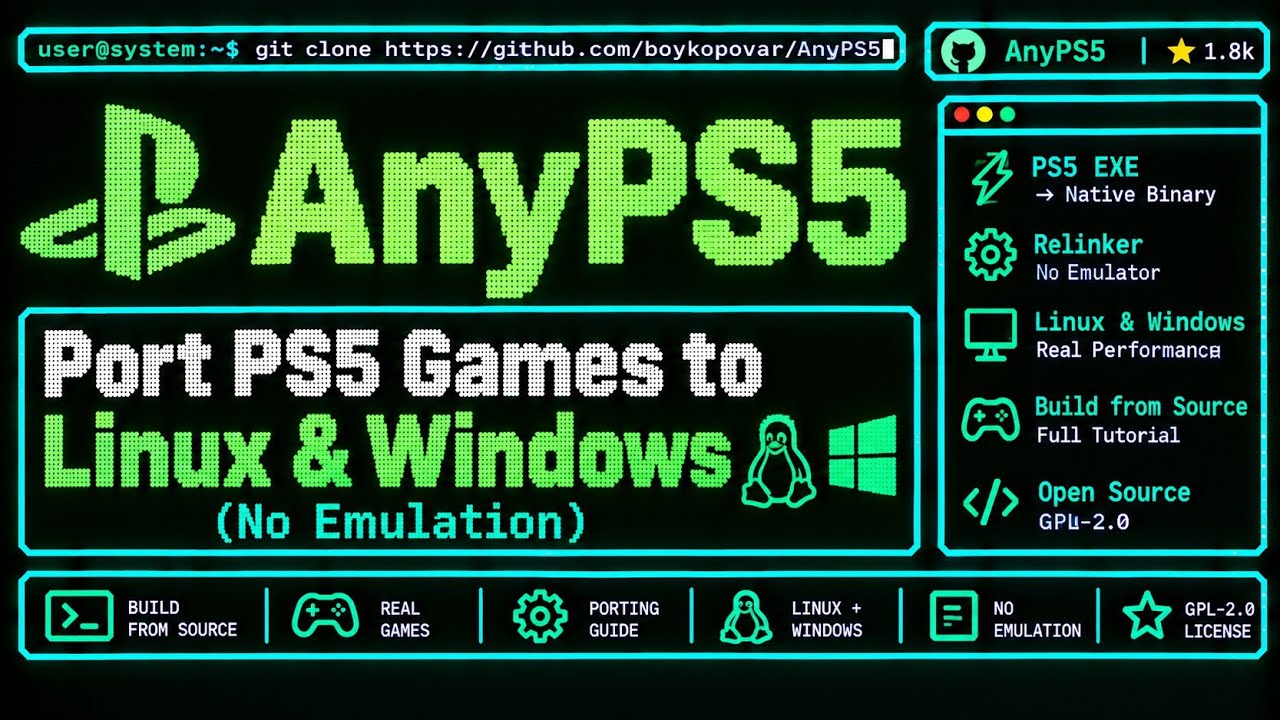
AnyPS5 is an ports PlayStation 5 executables to Windows and Linux. A relinker converts the game binary into the host PE or ELF format, and host implementations of system PRX libraries handle dynamic linking — similar in spirit to Wine or Proton, without a separate emulator process.
- Windows
- Linux
- v0.1.1
What is AnyPS5
AnyPS5 is an open-source project that ports PlayStation 5 executables to Windows and Linux. A relinker converts the game binary into the host PE or ELF format, and host implementations of system PRX libraries handle dynamic linking — similar in spirit to Wine or Proton, without a separate emulator process.
- Native RelinkingPS5 games already target x86-64 Zen 2. AnyPS5 skips CPU emulation and relinks the executable for the host OS instead.
- System Library LayerHost implementations of console PRX libraries let the game call familiar system APIs while running as a native Windows or Linux process.
- Shader RecompilerPS5 GPU shaders are recompiled to SPIR-V for Vulkan. The project has reached full coverage of known Oberon / RDNA 2 shader instructions.
How AnyPS5 Works
AnyPS5 relinks supported PS5 executables into Windows PE or Linux ELF and supplies host implementations of console libraries. Compatible x86-64 game code runs on the host; graphics and system behavior still need compatible implementations.
Build or Install
Clone the AnyPS5 repository, follow the build instructions for your platform, or use a community package when available. You supply authorized game files — the project does not ship firmware, keys, or game dumps.
Relink the Executable
The relinker converts a supported PS5 executable into a host Windows PE or Linux ELF binary and prepares it for dynamic linking against AnyPS5 system libraries.
Run and Report
Launch on Windows or Linux, capture logs for unsupported states, and check community test results. Playable status is reserved for titles confirmed in the upstream compatibility table.
Key Pieces of AnyPS5
AnyPS5 focuses on interoperability, research, preservation, and compatibility — not shipping console firmware or proprietary libraries.
100% Shader Instruction Coverage
All 1,166 known PS5 GPU (Oberon / RDNA 2) shader instructions are translated, with SPIR-V output that can be validated via Spirv-Tools.
Growing System Library Map
Thousands of declared PRX functions are implemented for dynamic linking. Coverage tracks known declarations and grows as more APIs are added.
Windows & Linux Targets
Game output targets x86-64 Windows and Linux with separate runtime libraries. macOS can build the relinker tool, but is not a game runtime.
Controller & Input Mapping
SDL-mapped game controllers are supported, including sticks and triggers. Keyboard and mouse can be configured with anyps5-input.ini.
Strict Failure Handling
Unsupported or unexpected states throw std::runtime_error, print what() to stderr, and terminate — making missing APIs easier to track down.
Open Progress Dashboard
Live library and shader badges plus a progress map are published with the project so contributors can see what remains.
AnyPS5 by the Numbers
Milestone coverage from the public progress dashboard. Library totals grow as more functions are declared — they are not a promise of full game compatibility.
GPU Shaders
100%
1,166 instructions translated
System Libraries
~85%
Known PRX functions mapped
Host Targets
Win+Linux
Native x86-64 outputs
Why Developers Follow AnyPS5
Reactions from people watching a native porting approach instead of classic console emulation.
Marcus Vance
Systems Engineer
Relinking PS5 x86-64 code instead of emulating the CPU is the interesting part. It feels closer to Wine than to a classic emulator.
David Chen
Graphics Programmer
Full Oberon shader instruction coverage is a real milestone. SPIR-V on Vulkan is the path that makes native PC rendering possible.
Alex Rivera
Linux Gamer
Windows and Linux as first-class targets matters. I want the same experimental titles to be testable on both hosts.
Sam Taylor
Tech Writer
100% shader coverage does not mean 100% games. Separating progress badges from playable status keeps the story honest.
Elena Rostova
Preservation Advocate
A clean disclaimer — no firmware, keys, or game files — is the right framing for research and interoperability work.
Jordan Miller
Indie Player
Seeing Dreaming Sarah hold 60 FPS on modest hardware makes the project feel real, even while most AAA titles are still early.
What you need to know.
Direct answers about AnyPS5 downloads, emulator terminology, supported games, and legal software sourcing.
Is AnyPS5 a traditional emulator?
AnyPS5 relinks PS5 executables to Windows PE or Linux ELF and replaces console libraries with host implementations. It executes compatible x86-64 code without a separate emulator process. Graphics, system calls, and runtime behavior still need compatible implementations.
Which games are genuinely playable today?
The official compatibility table lists Dreaming Sarah as playable on Windows. Other curated games have entry-point, rendering, or gameplay reports on specific experimental stacks. Playable is reserved for the official table; a tester describing patched gameplay as playable does not upgrade that status.
Does 100% shader or API coverage mean 100% game compatibility?
No. The progress dashboard tracks known library declarations and shader instructions, not games. Its denominator can change. Implemented instructions still need correct behavior together with memory, synchronization, graphics, and each game's system calls. Only title-specific testing establishes compatibility.
Does native execution mean no performance overhead?
No. Shared CPU architecture avoids one kind of CPU translation, but shader compilation, graphics handling, synchronization, and memory transfers still cost time. Demon's Souls reaches its tutorial at about 2 FPS on a patched Linux setup. A fast result on one machine cannot predict another game's performance.
What do Windows, Linux, Steam Deck and macOS support?
Windows and Linux are x86-64 game-output targets, with separate runtime libraries and game-specific reports. Steam Deck uses Linux, but curated evidence does not verify a Deck configuration. macOS can build the Relinker-only tool; it is not a macOS game runtime. Neither an OS target nor a successful build promises playable games.
What files do I need to provide?
Provide a clean ELF executable, required bundled modules, and game data that you have the right to use. Add matching host PRX libraries beside the converted program and follow the app0 layout. Upstream releases and this site do not provide games, firmware, or keys.
Why can a game fail after successful relinking?
Relinking changes the executable format. It does not supply every imported function, fix a wrong runtime-library version, or prove that shaders and memory operations work. Record the exact build, platform, and first error. NHL 27's newer local test passes its old TLS error but still stops at import resolution.
Where can I download and install AnyPS5?
Use the original boykopovar/AnyPS5 GitHub Releases. Choose the Relinker and matching Windows or Linux PRX libraries, then follow the platform setup guide. Tagged releases and experimental main/PR builds have different capabilities; a test with extra patches is not a promise about the release package.
AnyPS5 Tools
Read the architecture docs, check the compatibility list, and follow library and shader progress as the project grows.